Vscode_grouppolicy_control
微软组策略批量对Vscode控制
我们都知道组策略可以批量管理用户的软件,结合最近的AI编程,有些用户使用vscode,那企业通过批量管理,需要控制Vscode的一些功能,可以用组策略来进行,但是按照官网的操作会出现报错,这里就记录一下。
总体思路如下
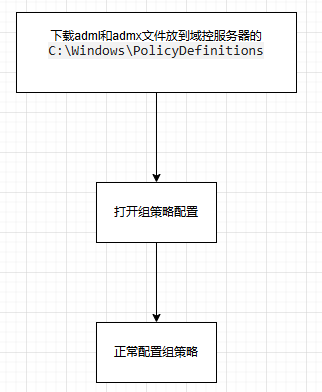
操作流程
首先去微软网站下载adml文件。链接是这个
1 | https://vscode.js.cn/docs/enterprise/policies#google_vignette |
打开网站
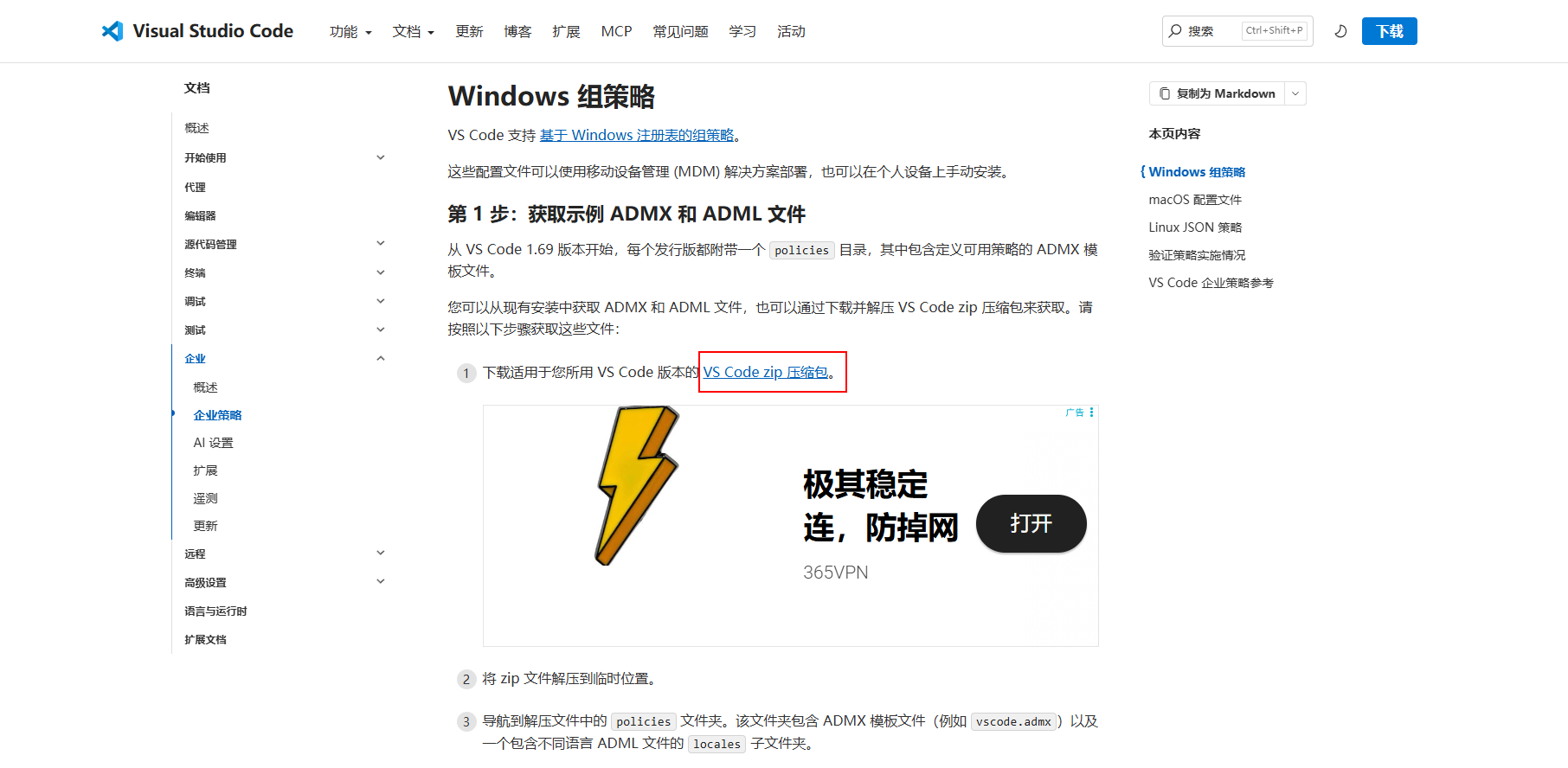
找到下载adml文件的链接
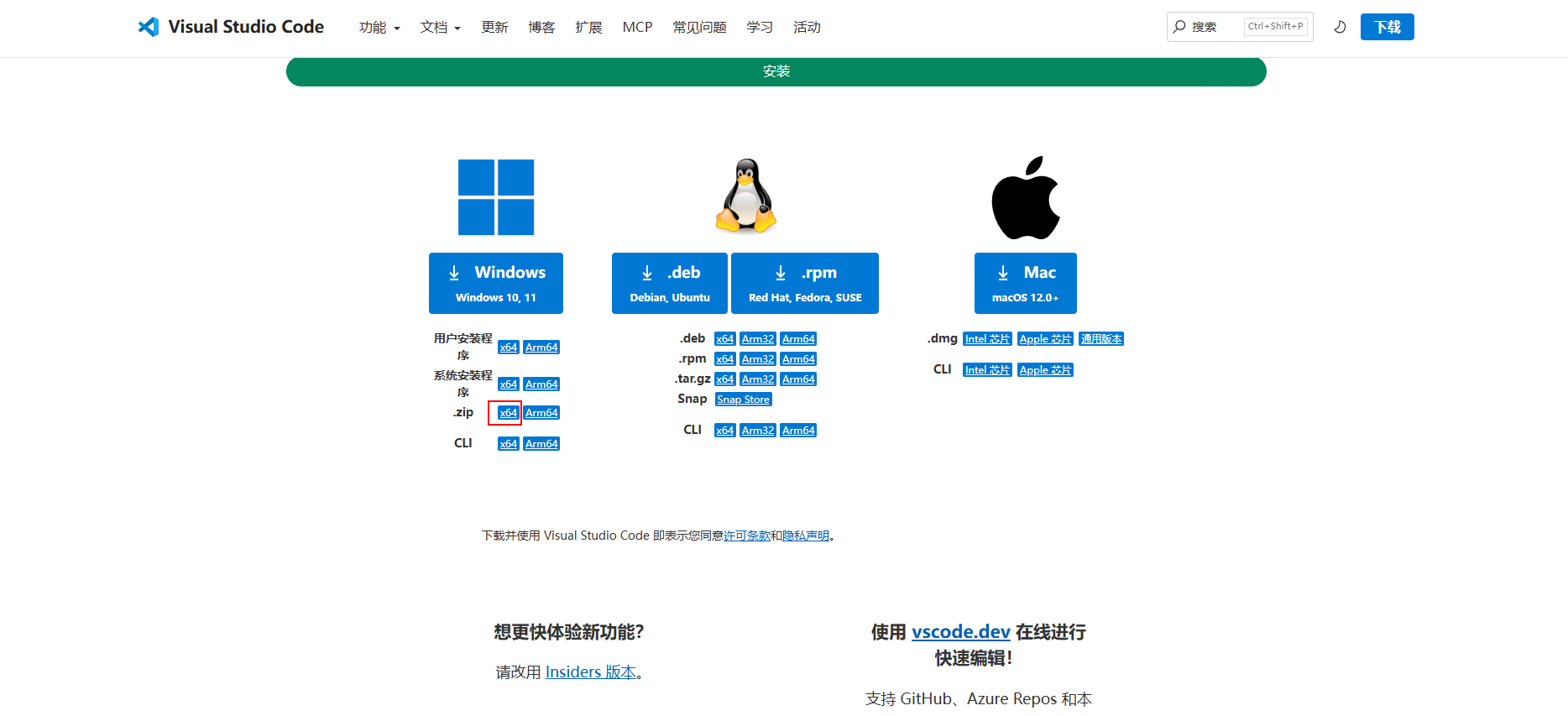
不要下载exe,下载zip包
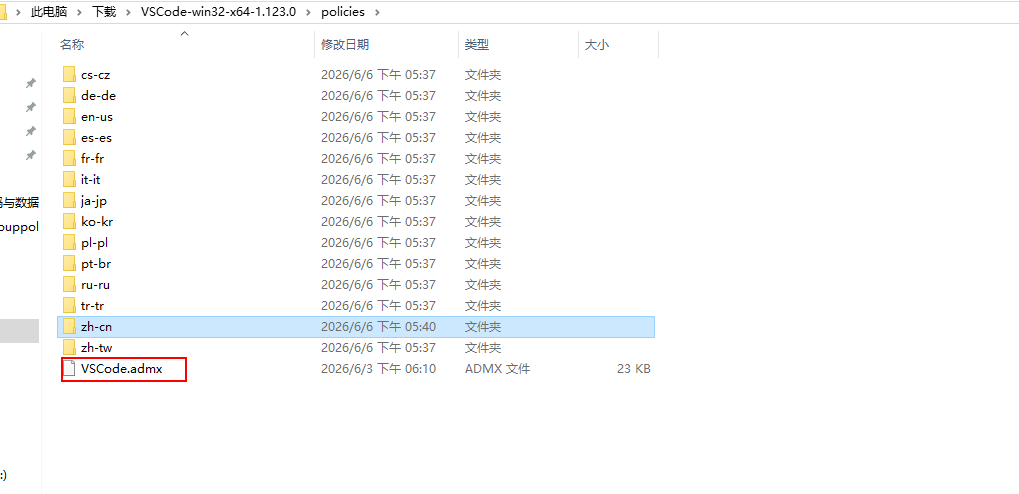
下载后解压,复制到域控的C:\Windows\PolicyDefinitions
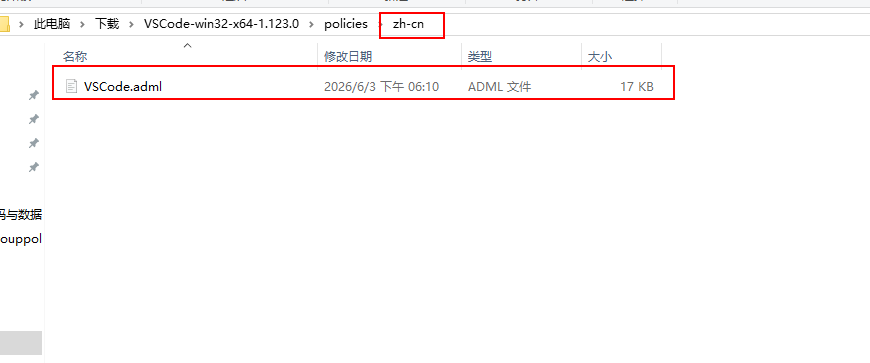
还有对应的中文包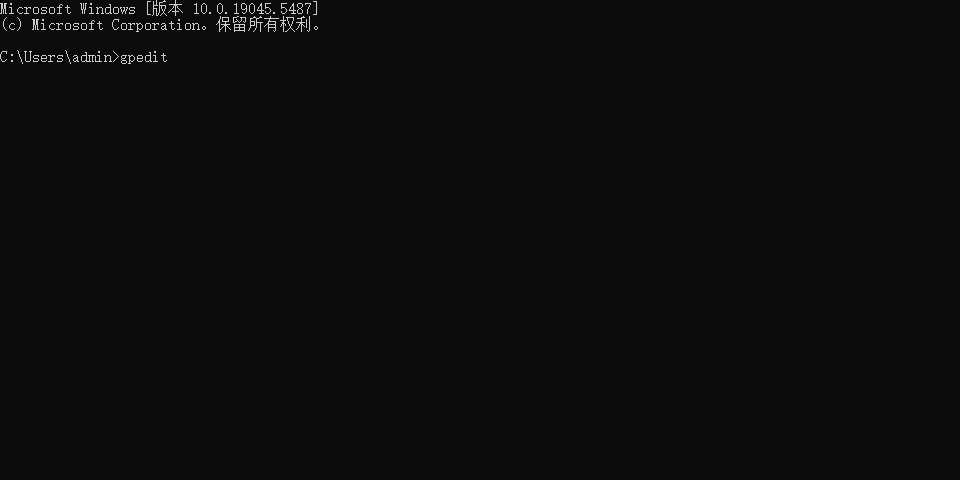
然后就会发现实际结果是报错的,哈哈哈哈
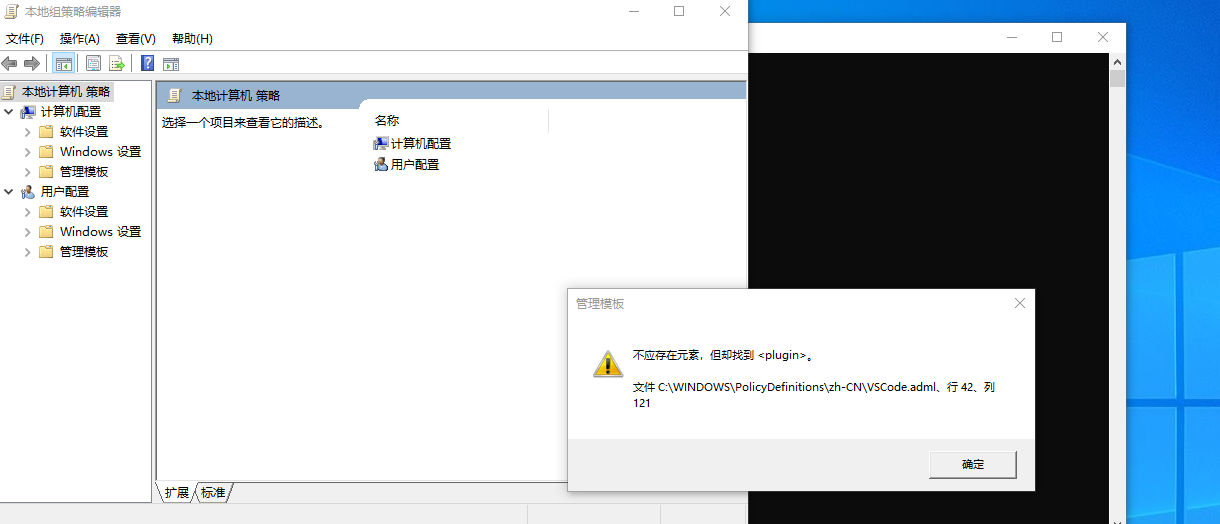
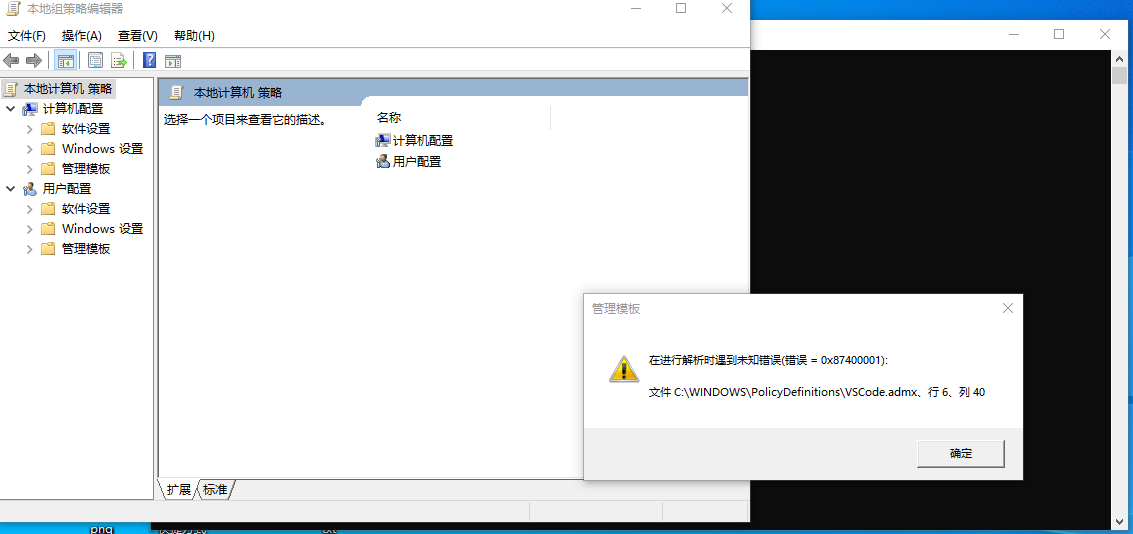
原因是因为微软这个包的代码写的不对,第42行
1 | <string id="ChatEnabledPlugins_chat_plugins_enabledPlugins_policy">Plugin enablement. Keys are plugin IDs in `<plugin>@<marketplace>` form; values enable or disable the plugin.</string> |
这里写错了
应该是这个
1 | <string id="ChatEnabledPlugins_chat_plugins_enabledPlugins_policy">Plugin enablement. Keys are plugin IDs in `<plugin>@<marketplace>` form; values enable or disable the plugin.</string> |
然后会有另一个报错
1 | <string id="ChatExtraMarketplaces_chat_plugins_extraMarketplaces_policy">Additional plugin marketplaces to query. Keys are marketplace names; values are GitHub shorthand (`owner/repo[#ref]`) or Git URIs (`<url>[#ref]`).</string> |
同样修改
1 | <string id="ChatExtraMarketplaces_chat_plugins_extraMarketplaces_policy">Additional plugin marketplaces to query. Keys are marketplace names; values are GitHub shorthand (`owner/repo[#ref]`) or Git URIs (`<url>[#ref]`).</string> |
修改文件后保存,然后重新导入,就能用了
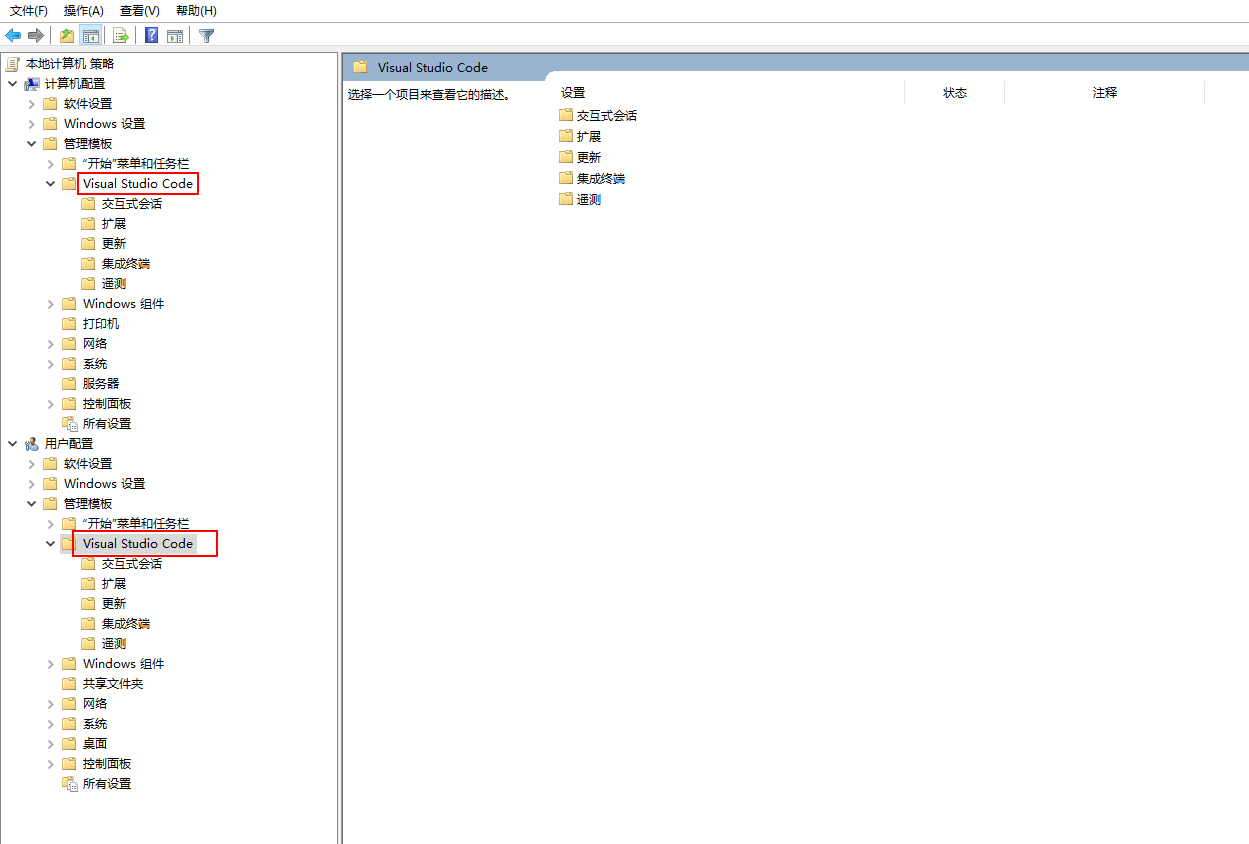
报错原因
ADML 文件本质上是一个 XML 文件。在 XML 语法中,尖括号 < 和 > 是用来定义标签的(比如你代码里的
如果你想在 XML 的文本内容中直接显示